BNT PC Repair's Computer Upgrades
Get more speed, storage, and useful life from the computer you already own. We recommend the right parts, install them carefully, and configure everything for dependable performance.

More performance without unnecessary spend
Every recommendation is matched to your system, workload, and budget.
Speed Improvements
Move from sluggish startup and loading times to a faster, more responsive daily experience with the right upgrade path.
Storage Expansion
Add room for files, applications, photos, and backups with properly selected and installed storage.
Component Matching
We verify compatibility across your motherboard, power supply, memory, and operating system before installation.
Safe Setup
Your parts are installed, tested, updated, and configured so the finished system is ready for real work.

A smarter alternative to replacing your whole computer
Many slow computers do not need to be discarded. BNT PC Repair identifies the bottleneck first, then focuses your budget where it creates the biggest improvement. We explain what will change, what will not, and when replacement is the better choice.
- ✓System compatibility check
- ✓Part recommendations
- ✓Installation and testing
- ✓Clear next steps
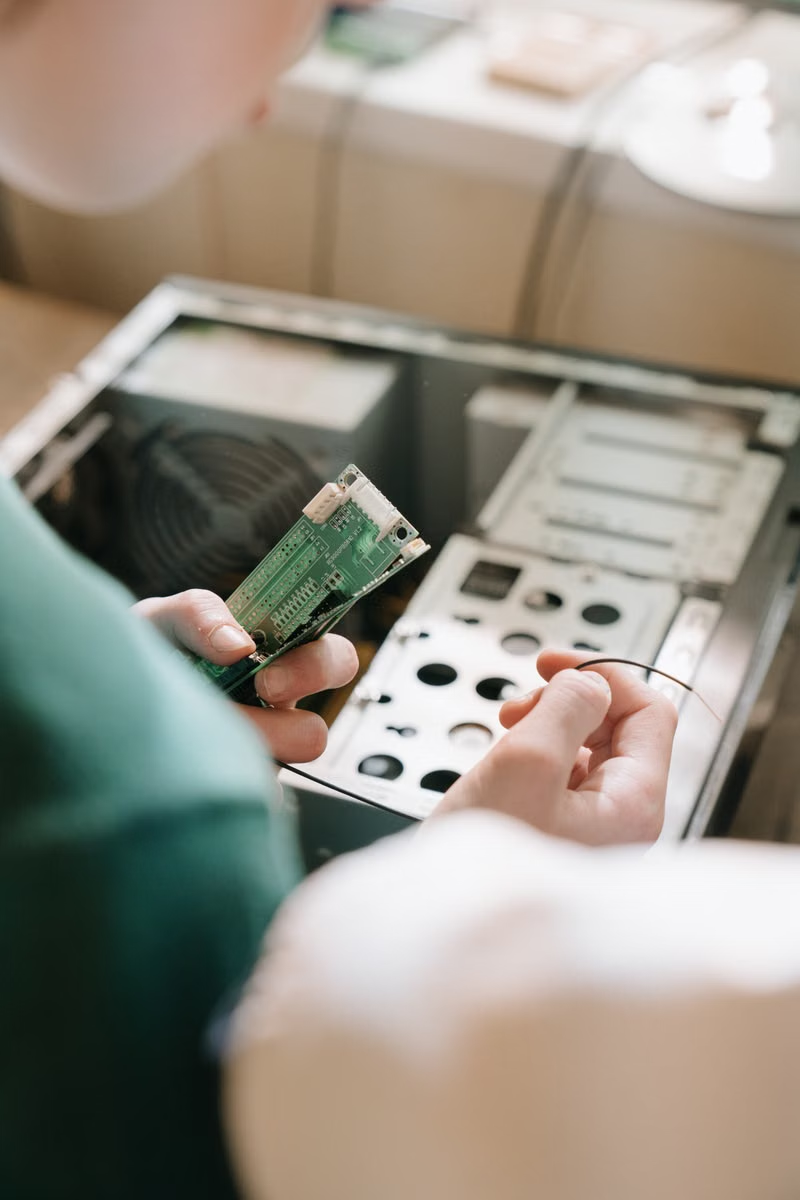
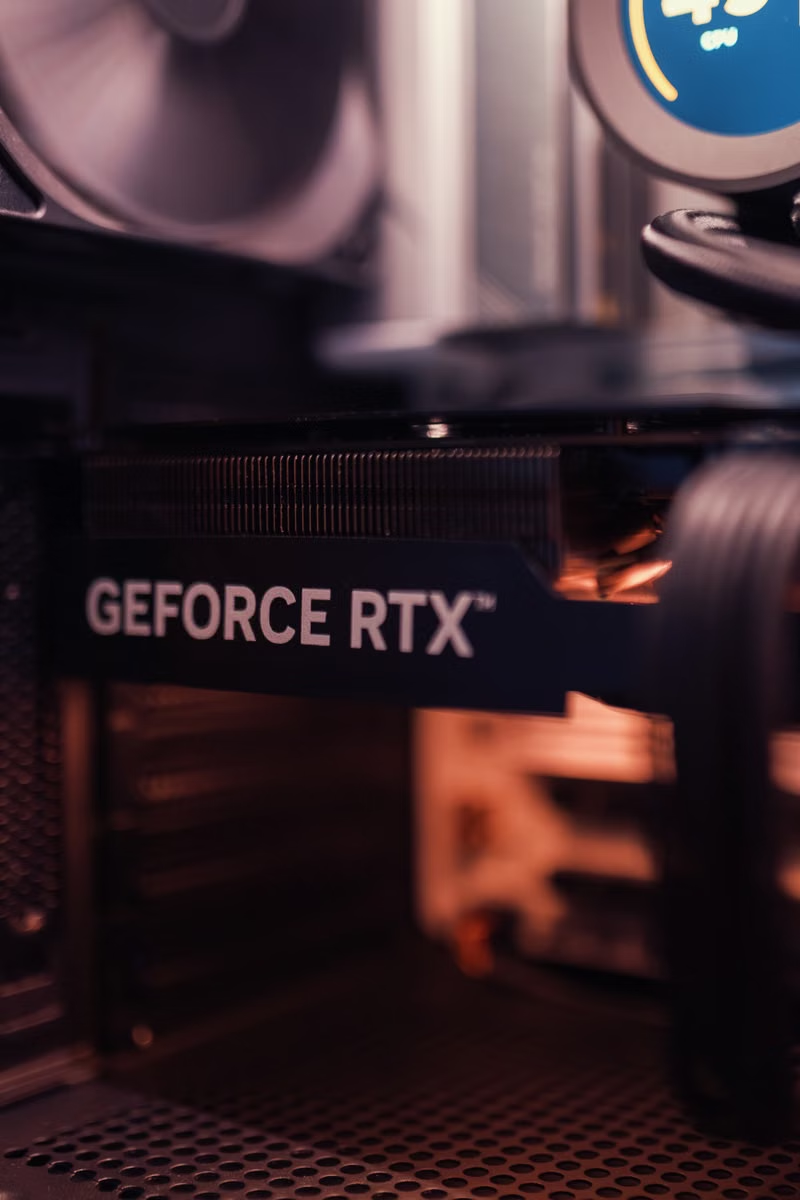
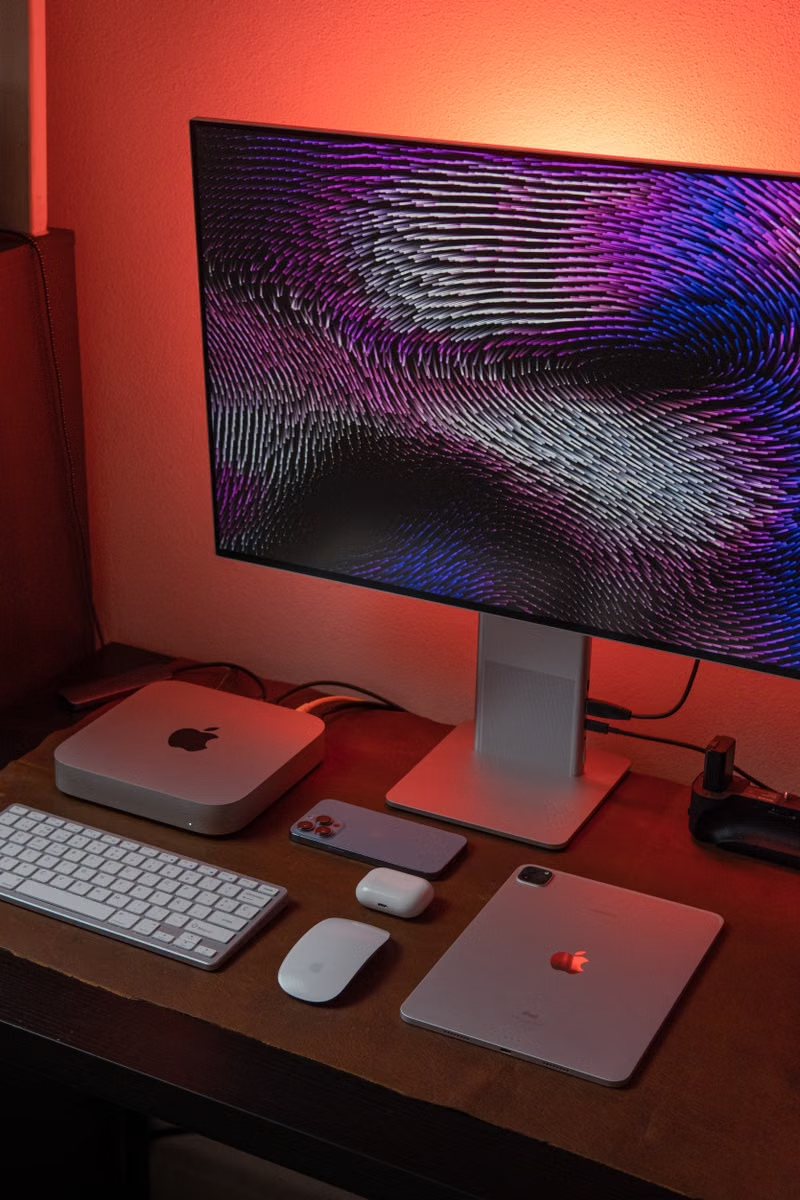
Precision work inside every system
A look at the components, tools, and testing behind a dependable upgrade.



Jacksonville customers feel the difference
BNT PC Repair removed a stubborn malware infection from my laptop and had me working again the same afternoon. Their Jacksonville service was clear, quick, and far less stressful than replacing the computer.

BNT PC Repair upgraded my aging desktop with a solid-state drive and more memory. My office in San Marco now starts in seconds, and the team explained every recommendation before doing the work.

When my computer stopped booting, BNT PC Repair recovered the files I needed for an important project. They kept me updated throughout the data recovery process and delivered exactly what they promised.

What to know before upgrading
Is upgrading cheaper than buying a new computer?
Often, yes. If your processor, motherboard, and power system are still suitable, targeted upgrades can deliver a major improvement for less than a replacement. We assess the full system before recommending a path.
How long does a computer upgrade take?
Straightforward memory or storage upgrades are often completed quickly. More involved work may require additional testing, data handling, or parts sourcing. We provide a practical timeline after inspection.
Can you protect my files during the upgrade?
We handle your data carefully and can discuss backup options before work begins. A current backup is always recommended before hardware changes.
Do you supply the upgrade parts?
Yes. We can source compatible parts, or review parts you already own before installation so you avoid costly compatibility mistakes.
Upgrade the system you rely on
Tell us what feels slow, and BNT PC Repair will map out the most effective next step.