
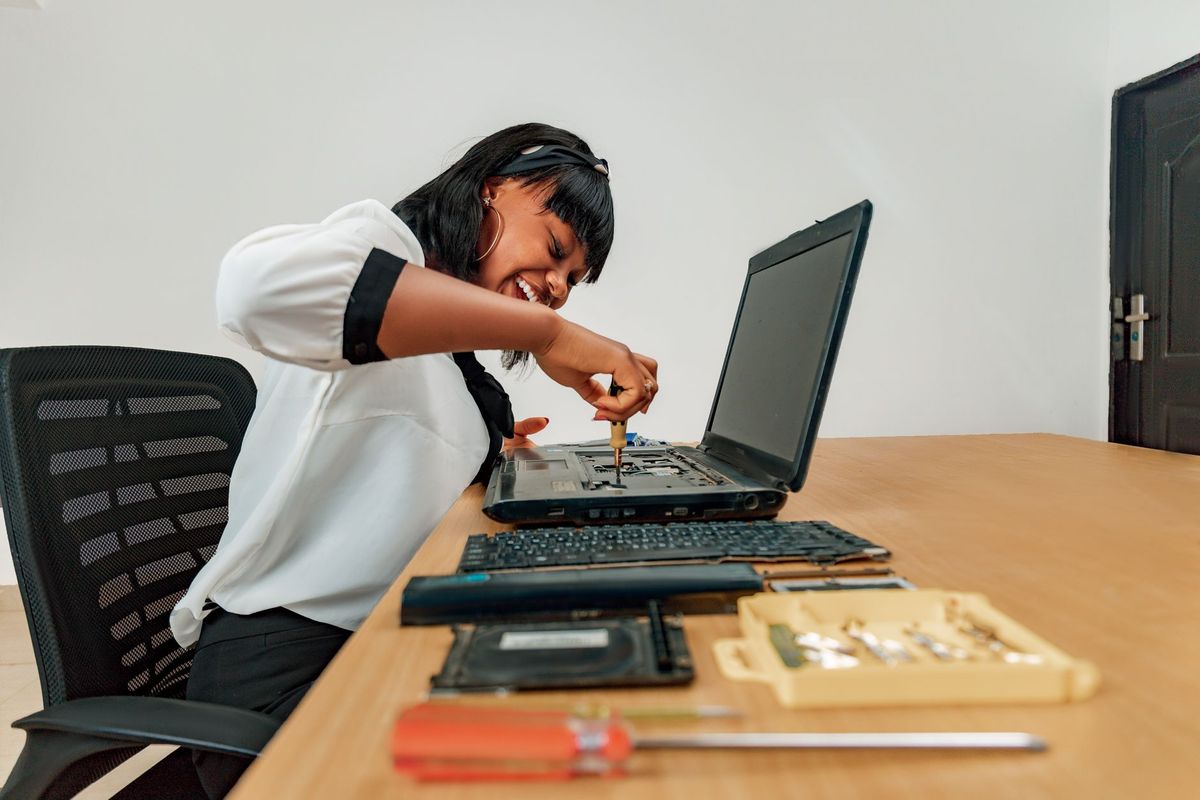
Computer Help That Comes to You
When your computer stops working in Jacksonville, FL, the hardest part is not always identifying the problem—it is getting the equipment disconnected, packed up, and transported without losing cables, settings, or your patience. A desktop may be connected to multiple monitors, printers, external drives, and business equipment. A home office may depend on the same computer for work, school, banking, and family photos.
At BNT PC Repair, we bring computer repair to your home or workplace whenever an on-site visit is the most practical solution. We troubleshoot the equipment where the problem actually occurs, whether that means checking a confusing Wi-Fi dead zone in Mandarin, reconnecting a printer in San Marco, or diagnosing a business workstation in Riverside.
We have served Jacksonville customers for more than 29 years, and our team has earned 5-star feedback across 14 Google reviews. That experience helps us separate a quick configuration problem from an issue that requires hardware repair, data protection, or a more thorough security review.

Why On-Site Service Often Finds the Real Problem
A computer can appear to be the problem when the actual cause is somewhere around it. For example, a slow office computer may be competing with cloud backups, a failing network switch, or an unstable wireless connection. A home printer may work from one room but fail because of weak coverage or incorrect network settings.
During an on-site appointment, we can inspect the complete setup instead of looking at one device in isolation. We check power connections, monitors, docking stations, routers, printers, cables, network names, user accounts, and the way the equipment is being used. This saves time and reduces the risk of fixing only the symptom.
Our computer repair services cover home and business needs, including laptop and desktop repair, malware removal, data recovery, upgrades, and network troubleshooting.
What We Handle During a Jacksonville On-Site Visit
Our goal is to leave you with a working, understandable setup—not just a computer that temporarily turns on. Depending on the issue, an on-site appointment may include:
- Diagnosing computers that will not start, freeze, crash, or run unusually slowly
- Removing viruses, adware, browser hijackers, and other malware
- Setting up new laptops, desktops, monitors, printers, scanners, and accessories
- Connecting computers to Wi-Fi, wired networks, shared folders, and printers
- Improving poor wireless coverage and resolving dropped connections
- Transferring files and configuring backup routines
- Replacing failing hard drives with solid-state drives or adding memory
- Reviewing suspicious pop-ups, account warnings, and security settings
- Helping business users share files and access essential software
For hardware issues that require a clean bench, specialized tools, or extended testing, we explain that before taking equipment off-site. In many cases, however, we can complete configuration, software, network, and performance work at your location.
Jacksonville Home Computer Repair: Practical Help Without the Guesswork
Home users often call us after trying several online fixes that made the situation more confusing. A Windows update may have changed printer settings, a new router may use different network names, or an aging laptop may be struggling with too many startup applications. We first protect your files and identify the root cause before making changes.
Before we arrive, you can make the appointment more productive by gathering your computer passwords, noting when the issue started, and writing down any error messages. Do not repeatedly restart a computer that is making clicking sounds, and do not install several competing cleanup programs. If a device contains important family photos or financial records, tell us immediately so we can prioritize data safety.
For Jacksonville homes in Avondale, Murray Hill, Arlington, Riverside, and surrounding areas, an on-site visit can also help us solve the problems that only occur in your actual environment—such as weak Wi-Fi in a back bedroom, a printer that cannot reach the router, or a workstation that loses connection during video calls.
On-Site Computer Repair for Jacksonville Businesses
A business computer problem affects more than one user. It may interrupt payment processing, scheduling, customer communication, inventory, accounting, or access to shared files. We work with small businesses that need responsive help without the complexity or expense of a large corporate IT department.
At a business visit, we can document the equipment involved, identify the immediate failure, and look for related risks. That may include outdated software, full storage drives, weak passwords, missing backups, exposed remote-access tools, or a router that is not suitable for the number of connected devices.
Our business IT support is useful for offices in Jacksonville that need help with workstations, printers, networks, user access, upgrades, and recurring technology issues. We can also discuss ongoing assistance when a business would benefit from commercial managed IT, rather than waiting for every problem to become an emergency.
How to Prepare for an On-Site Service Call
A little preparation helps us spend more of the appointment solving the issue. Use this simple checklist:
- Describe the symptoms clearly. Tell us what the computer does, what you expected it to do, and whether the problem affects one device or several.
- Keep the equipment available. If we are visiting a home office or business, make sure the computer, router, printer, monitor, and related cables can be reached.
- Gather account information. Have the correct Windows or macOS login and, when relevant, your internet provider or email account details. Never send passwords through an unsecured text message.
- Protect important files. If the computer still works, avoid deleting files or running aggressive repair utilities before the appointment. We can discuss backup options and recovery risks.
- Tell us about deadlines. A home user may need a computer ready for remote work, while a business may need a point-of-sale or office workstation restored quickly. Knowing the priority helps us plan the visit.
Our laptop and desktop repair team brings the tools needed for common diagnostics and repairs. If a part must be ordered or equipment needs extended testing, we provide a clear explanation rather than promising an unrealistic same-visit fix.
What Does On-Site Computer Repair Cost and How Long Does It Take?
The time and cost depend on the problem, the number of devices, and whether parts or data recovery are involved. A straightforward printer connection, user setup, or Wi-Fi diagnosis may take about an hour. Malware cleanup, data transfer, repeated crashes, or a multi-computer business issue can take longer because we need to scan, test, update, and verify the result.
We explain the recommended work before proceeding, and we do not treat every slow computer as a reason to replace it. Sometimes a solid-state drive upgrade, memory increase, cleanup, or network adjustment provides a much better value than buying a new machine. If a repair is not financially sensible, we will explain why and help you protect and transfer your data.
Service availability depends on the Jacksonville location and the type of work required. We serve customers in Riverside, Avondale, San Marco, Murray Hill, Arlington, Mandarin, and nearby areas. BNT PC Repair maintains the required business credentials, and customers who need license or credential information can request the current details when scheduling.

Solve the Whole Setup, Not Just One Device
The biggest advantage of on-site repair is context. We can see whether a computer is positioned where it overheats, whether a router is blocked by furniture, whether a business printer is shared correctly, and whether several devices are competing for an unreliable connection.
We also take time to explain what we changed and what you can do next. That may include enabling automatic updates, creating a backup schedule, replacing an unsafe cable, moving a wireless access point, or planning a hardware upgrade before a failure becomes urgent.
Frequently Asked Questions
Can you repair my computer without me bringing it to a shop?
Yes. BNT PC Repair provides on-site service for many software, setup, security, Wi-Fi, printer, and performance problems in Jacksonville homes and businesses. If a repair requires bench testing or specialized equipment, we explain that option before moving the computer.
Do you come to homes in Mandarin, San Marco, or Riverside?
We serve Jacksonville neighborhoods including Mandarin, San Marco, Riverside, Avondale, Murray Hill, and Arlington, along with nearby areas. Availability depends on the schedule and the type of service needed, so contact us with your location and issue.
Can you fix Wi-Fi that only works in some rooms?
Yes. We test the router, placement, wireless bands, interference, coverage, and connected devices rather than simply restarting the equipment. Our Wi-Fi troubleshooting can help identify whether you need a configuration change, better placement, upgraded equipment, or an additional access point.
What should I do if my computer has a virus?
Disconnect the computer from the internet if you suspect active malware, and avoid entering passwords or banking information on it. We can inspect the system, remove malicious software, check for unwanted browser changes, and recommend safer update and backup practices for your Jacksonville home or office.
Can you help several computers at my small business during one visit?
Often, yes. Tell us how many devices, users, printers, and network components are involved when you schedule so we can plan appropriately. We can address urgent failures and identify broader issues involving backups, security, shared access, and outdated equipment.