
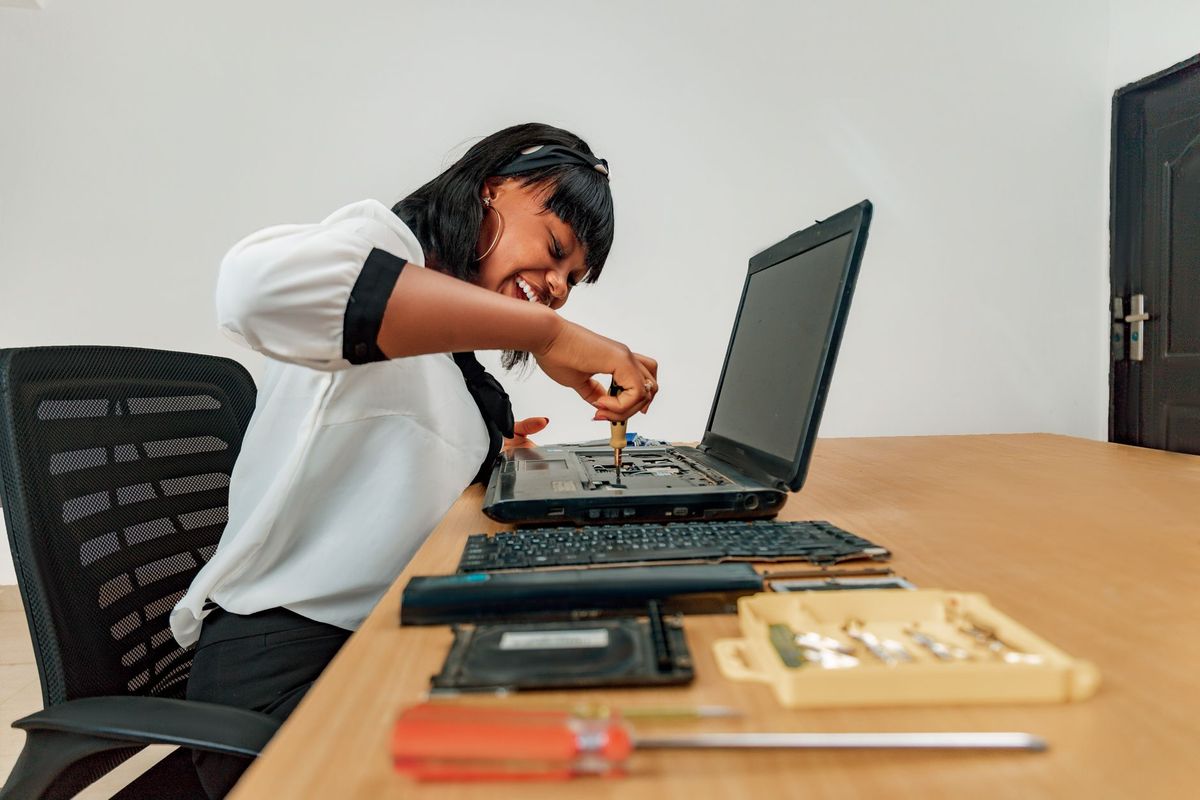
Is Dust Making Your Computer Work Too Hard?
Does your computer sound like a small vacuum, run unusually hot, or slow down after only a few minutes? In Jacksonville, FL, dust, humidity, pet hair, and everyday household debris can build up inside a computer faster than many owners expect. That buildup restricts airflow and makes the cooling system work harder to protect sensitive components.
At BNT PC Repair, we have spent more than 27 years helping Jacksonville neighbors keep their laptops and desktops dependable. Our team has earned 5-star ratings across 14 Google reviews, and we serve customers throughout Riverside, Avondale, San Marco, Murray Hill, Arlington, Mandarin, and surrounding areas. A professional cleaning is often a straightforward way to prevent an overheating problem from becoming an expensive component failure.
Cleaning is not simply a matter of spraying canned air into a vent. A proper service includes inspecting fans, heatsinks, filters, ports, and internal surfaces while taking precautions around static electricity and delicate connections. Here are five signs that it is time to have your computer evaluated.

Jacksonville's Heat and Humidity Add Stress
Jacksonville's long warm season means computers may already be operating in a warmer environment, especially in rooms without consistent air conditioning. Humidity does not automatically damage every computer, but it can contribute to dust adhesion and, in poorly ventilated areas, corrosion or residue around connectors.
A desktop tucked inside a desk cabinet, a laptop used on bedding, or a computer placed near a kitchen can collect debris quickly. Our technicians look at the computer's environment as well as the machine itself, because moving it a few inches for better airflow can sometimes prevent repeated overheating.
If your computer has already begun shutting down or throttling its processor, cleaning may be only part of the solution. We can inspect the cooling system and explain whether the issue points to a failing fan, dried thermal compound, blocked vent, or another hardware problem.
1. Your Computer Is Running Hot or Shutting Down
The clearest warning sign is excessive heat. A laptop may feel uncomfortably hot underneath, while a desktop may discharge very warm air from the rear. Heat becomes especially concerning when the system freezes, restarts, or powers off during demanding tasks such as video calls, gaming, photo editing, or business software.
Modern computers often protect themselves by reducing processor speed when temperatures rise. This is called thermal throttling, and it can make a relatively capable computer feel suddenly slow. Repeated overheating also places additional stress on the processor, graphics hardware, motherboard, and power circuitry.
What you can do now:
- Move the computer onto a hard, flat surface.
- Keep vents several inches away from walls, cushions, and paperwork.
- Save important files before testing further.
- Do not continue using a system that repeatedly shuts down without having it inspected.
In our 27 years of experience, customers often wait until an overheated computer will no longer start. Professional cleaning earlier is usually less disruptive and less costly than diagnosing heat damage after the fact.
2. The Fans Are Louder Than They Used to Be
Fans naturally speed up when a computer is busy, but a fan that runs loudly while the system is idle deserves attention. Dust packed into a heatsink acts like a blanket, preventing heat from leaving the processor. The fan then runs faster and longer to compensate.
Grinding, rattling, clicking, or intermittent fan noise may indicate a worn bearing or a blade contacting debris. Cleaning can remove an obstruction, but it cannot repair a mechanically failing fan. During an inspection, we distinguish between a dirty cooling system and a component that needs replacement.
Avoid poking tools into vents or holding a loose fan still while blasting it with compressed air. Spinning a fan excessively can damage it, and forcing debris deeper into the case can make the problem worse. If you hear a new noise, shut down the computer when practical and contact us for laptop and desktop repair.
3. Performance Drops After a Few Minutes
A computer that starts normally but becomes sluggish after five or ten minutes may be reacting to rising internal temperatures. This pattern is different from a system that is consistently slow because of an older hard drive, insufficient memory, malware, or too many startup programs.
You can gather useful information without opening the case. On Windows, open Task Manager and check whether the slowdown corresponds with high CPU usage, memory usage, or a process that remains active. Also note whether the fan becomes louder at the same time. These observations help us determine whether cleaning is likely to help or whether computer upgrades or software troubleshooting should be included.
Do not assume a factory reset will solve heat-related slowdowns. Resetting Windows removes data and applications, but it does not clear dust from a heatsink or fix a blocked fan.
4. You See Dust Around Vents or Inside the Case
Visible dust around intake vents is a practical warning that more may be present inside. Pet hair, carpet fibers, and fine household dust can form a dense mat on laptop exhaust fins or desktop filters. Jacksonville homes near busy roads, construction, or sandy outdoor areas may see this buildup sooner, although no environment is completely dust-free.
For a desktop, you may inspect the exterior filter with the computer powered off and unplugged. If you are comfortable removing only a removable filter, clean it gently and let it dry fully before reinstalling it. Do not open a laptop merely to reach its fan unless you understand the model's clips, screws, battery connections, and warranty considerations.
A professional cleaning generally includes controlled air cleaning, brush work where appropriate, fan and heatsink inspection, and an examination for liquid residue or corrosion. We also check whether dust has affected ports and connectors rather than treating the visible vent as the whole problem.
5. Your Computer Has a Hot, Musty, or Burning Smell
A dusty smell during startup can come from debris warming near a fan or heatsink, but a sharp electrical, plastic, or burning odor is more urgent. Turn the computer off, disconnect power if safe, and do not keep restarting it to see whether the smell disappears. A failing power supply, damaged charging circuit, overheated cable, or debris contacting a hot component may create a safety risk.
Cleaning is not a substitute for electrical diagnosis. At BNT PC Repair, we inspect the machine before recommending service so you know whether it needs cleaning, fan replacement, power-related repair, data protection, or a combination of work. If the computer contains important business or personal files, tell us before any repair begins so we can prioritize preservation.
For systems used by a Jacksonville business, recurring heat and dust problems can interrupt work and shorten equipment life. Our business IT support services can help identify placement, maintenance, and backup practices across multiple computers.
How Often Should a Jacksonville Computer Be Cleaned?
There is no universal calendar interval. A clean desktop in a low-dust office may need attention every 18 to 24 months, while a gaming PC, workshop computer, pet-friendly home system, or laptop used on soft surfaces may need inspection every 6 to 12 months. The right schedule depends on airflow, usage, room conditions, and whether filters are maintained.
Use this simple process to reduce buildup between professional visits:
- Shut the computer down completely and disconnect external power.
- Keep the unit on a hard surface with open space around its vents.
- Wipe exterior vents with a dry microfiber cloth; do not spray cleaner into openings.
- Back up important files before a cleaning or hardware service.
- Watch for heat, noise, shutdowns, and performance changes rather than waiting for total failure.
If you are uncertain whether a problem is dust, malware, storage failure, or aging hardware, a diagnostic evaluation is more useful than guessing. Our services cover cleaning-related hardware concerns along with virus removal, upgrades, Wi-Fi troubleshooting, and data protection.
A Cleaning Is Also a Chance to Catch Bigger Problems
When we clean a computer, we are looking for more than dust. We check fan operation, cable routing, unusual residue, swollen batteries, damaged ports, blocked heatsinks, and signs that a hard drive or power supply may be nearing failure.
That inspection matters for families in Mandarin and Arlington, home offices in San Marco, and small businesses in Riverside, Avondale, and Murray Hill. A few minutes of evaluation can reveal why a computer is overheating and help you decide whether repair, an upgrade, or replacement makes the most financial sense.
We explain what we find in plain language, provide an estimate before proceeding, and protect your data as part of the process. BNT PC Repair is locally focused, with licensing information and business credentials available directly from our team when requested.
Frequently Asked Questions
Can I clean my computer myself with canned air?
You can safely wipe exterior surfaces and removable filters, but internal cleaning is easier to damage than many people expect. BNT PC Repair can clean the system while checking fans, heatsinks, connectors, and other Jacksonville-specific environmental concerns such as dust and humidity.
How much does professional computer cleaning cost?
The cost depends on whether the computer needs a basic internal cleaning, disassembly, fan replacement, thermal compound service, or additional diagnostics. We inspect the system and explain the price before work begins, rather than treating every laptop or desktop as the same job.
How long does a computer cleaning take?
Many straightforward cleanings can be completed during a scheduled service, while heavily clogged laptops or systems needing parts may take longer. We give you a realistic timeframe after identifying the model, condition, and any symptoms such as shutdowns or fan noise.
Will cleaning make my old computer faster?
Cleaning can restore performance when heat is causing throttling, but it cannot add memory or repair a failing hard drive. After testing, our team can tell you whether cleaning is enough or whether an upgrade, storage replacement, malware removal, or data backup is appropriate.
Do you serve my Jacksonville neighborhood?
Yes. BNT PC Repair serves Riverside, Avondale, San Marco, Murray Hill, Arlington, Mandarin, and nearby Jacksonville communities. Contact us with your location and symptoms so we can discuss the most convenient repair option.

Ready to Stop Overheating Before It Becomes a Breakdown?
Contact BNT PC Repair today.